GorillaDesk Review 2026: Best Budget Option for Small Lawn Care Businesses?
Reviewed May 2026 · Tested on Basic and Pro plans
No credit card required
Quick Verdict
Overall Score
$49–$99/month
The best-value option for solo operators and small crews under 30 clients. Especially strong if you also do pest control alongside lawn care.
✓ Who It's For
- Solo operators just getting started
- Small operations with under 30 active clients
- Operators running both lawn care and pest control
- Budget-conscious businesses needing basic scheduling + invoicing
- Anyone who finds Jobber overwhelming for their needs
✗ Who Should Skip It
- Teams of 5+ that need robust crew dispatch
- Businesses sending high quote volumes daily
- Operators who need advanced two-way SMS
- Companies needing deep QuickBooks integration
- Businesses scaling past 100 clients
GorillaDesk Pricing 2026
| Plan | Monthly | Annual (per mo) |
|---|---|---|
| BasicBest Value | $49 | $39 |
| Pro | $99 | $79 |
Prices verified May 2026. Confirm current pricing at gorilladesk.com/pricing.
6-Dimension Deep Dive
Scheduling
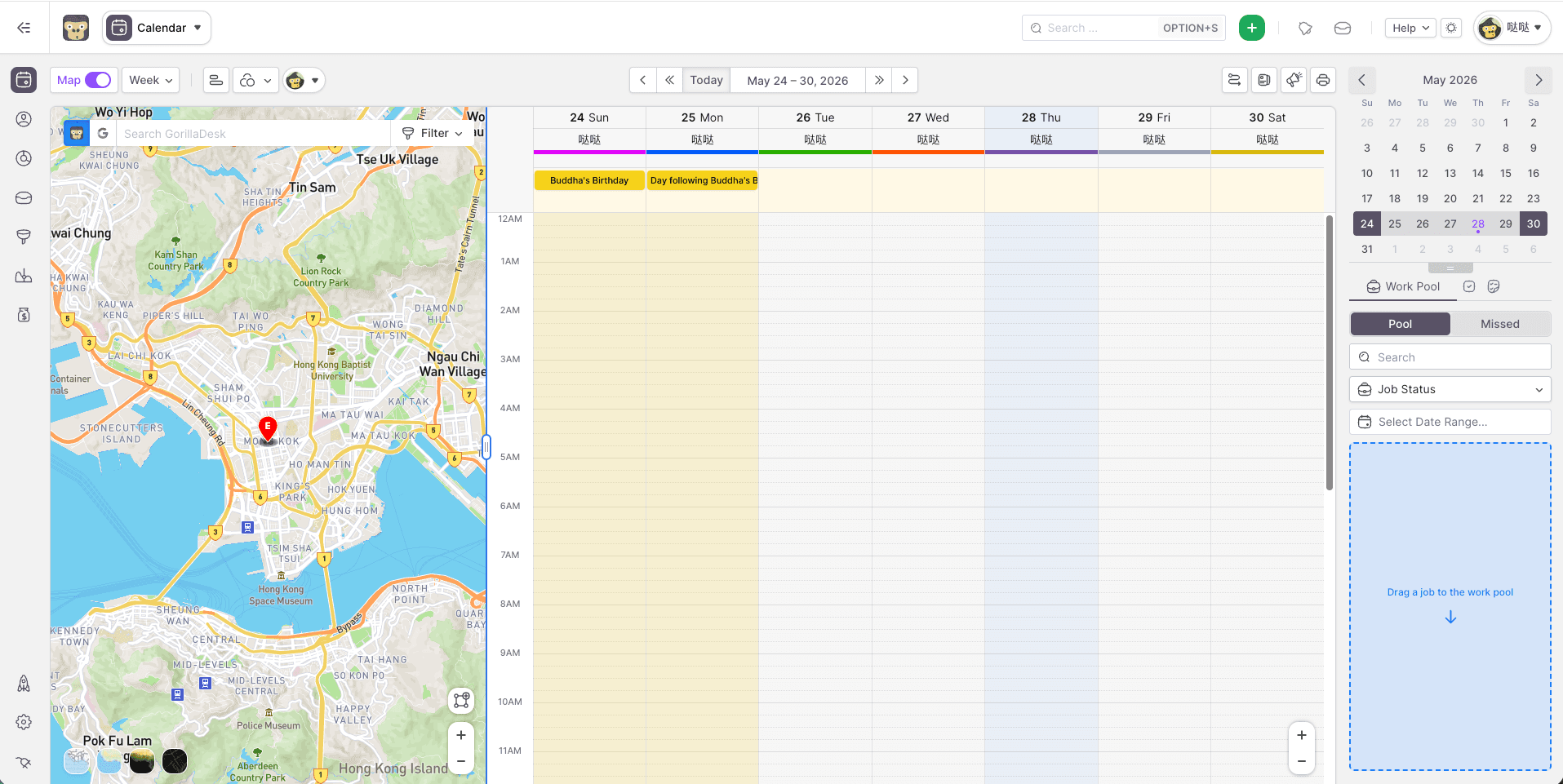
4/5Calendar-based scheduling is clean and easy to learn. Recurring job setup is straightforward for weekly lawn routes. Lacks drag-and-drop polish compared to Jobber.
Quoting
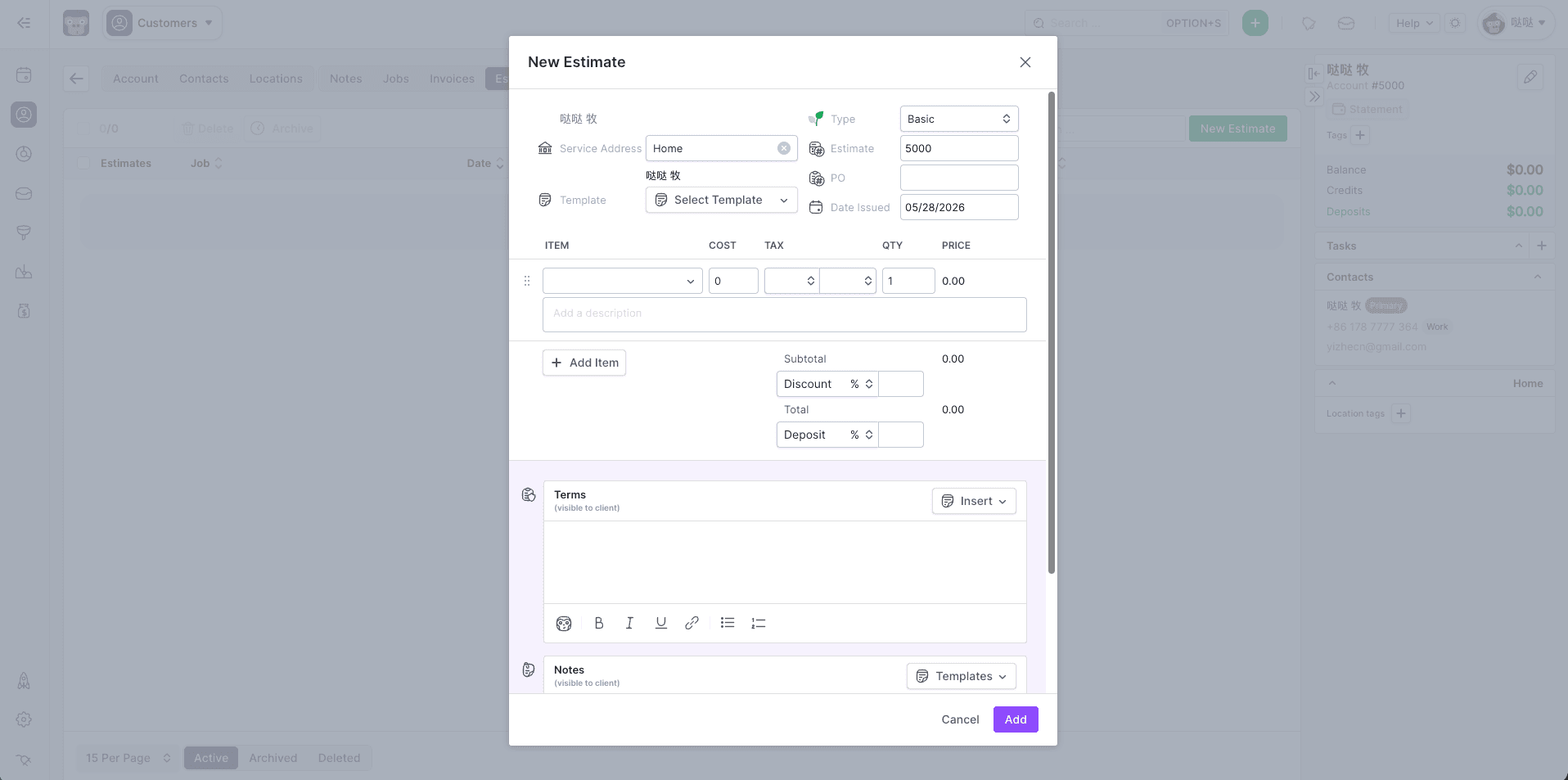
3.9/5Quotes are functional but less template-rich than Jobber. Works well for standard lawn care proposals. Email delivery is reliable.
Route Optimization
3.8/5Basic map view included. Full route optimization requires the Pro plan. Adequate for solo operators running a set weekly schedule.
Client Management
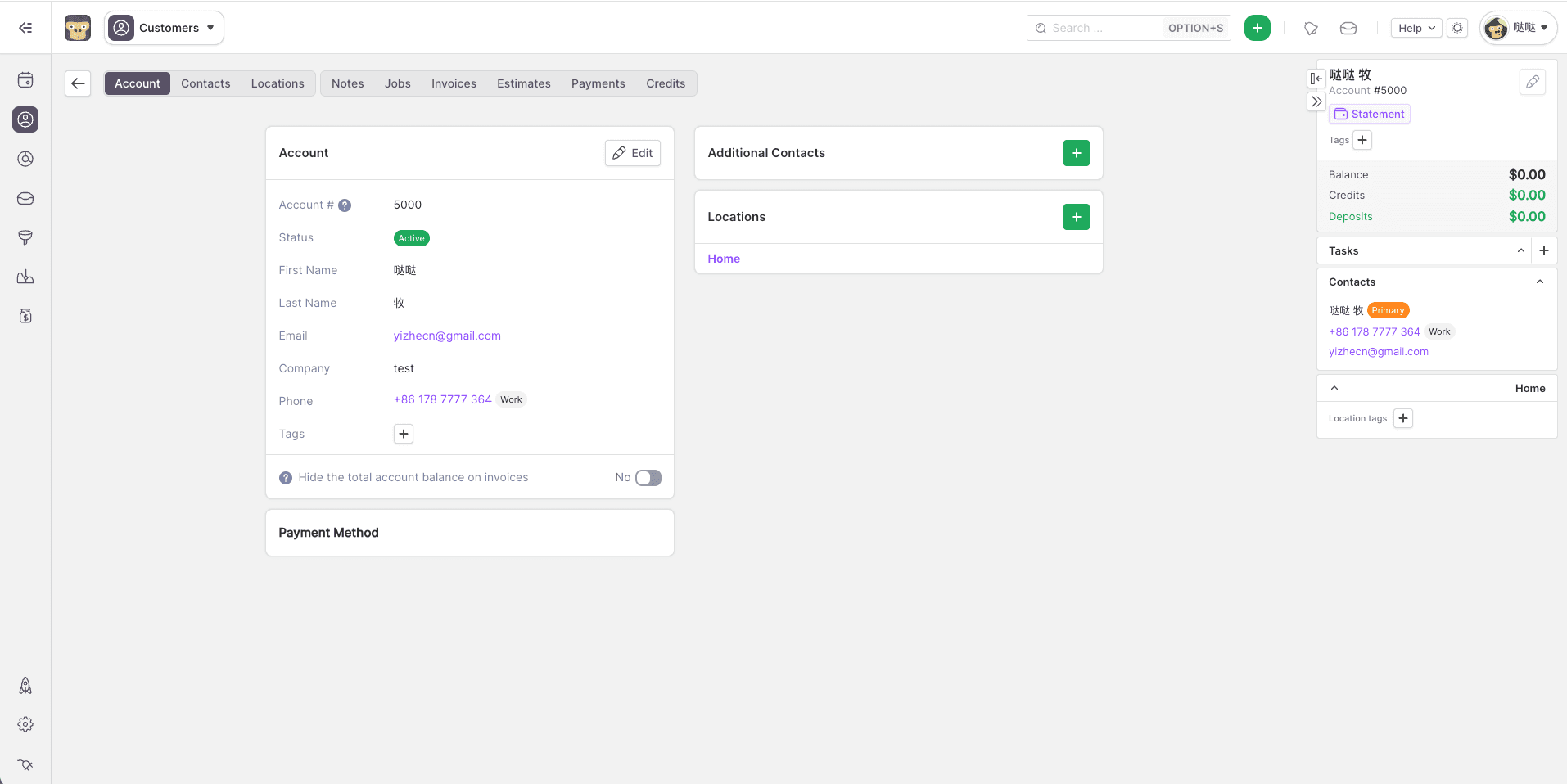
4.2/5Client profiles include service history, notes, and property details. Particularly strong for multi-service operators who also do pest control — service-type tracking is best-in-class.
Payments
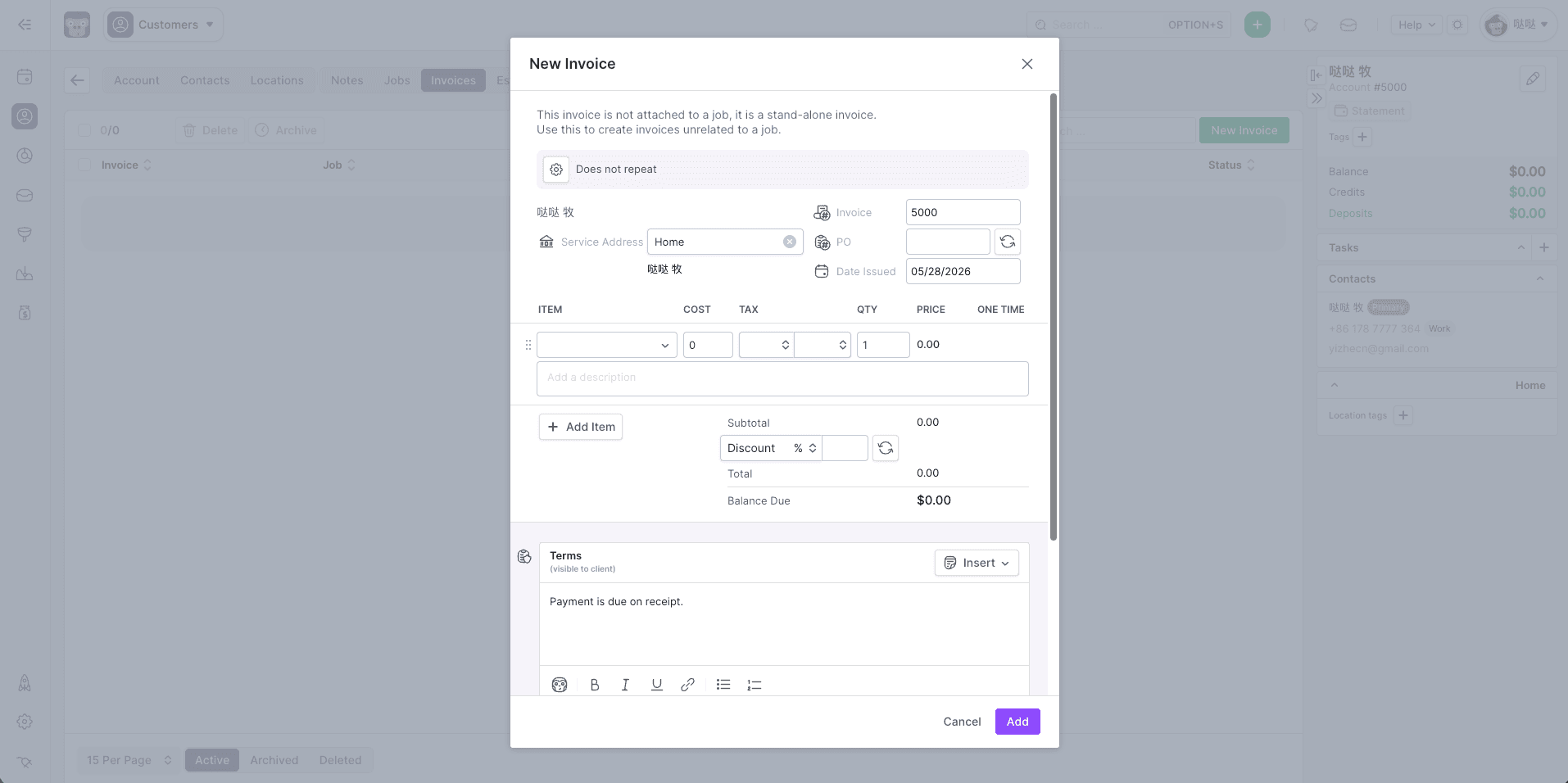
4/5Stripe-powered card processing. Online invoices work well. Slightly fewer payment options than Jobber but covers all common use cases.
Mobile App
4.1/5iOS and Android apps are stable. Job check-in, photo capture, and signature collection all work in the field. UI is functional but not as polished as Jobber.
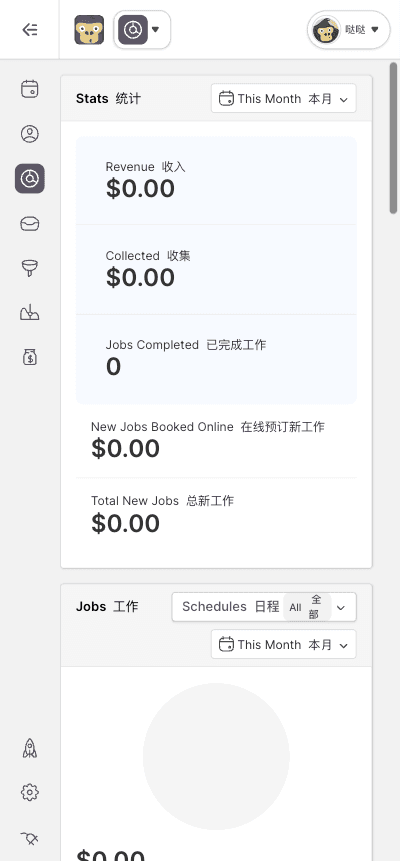
14-day free trial — no credit card required
What Real Operators Say
“You're not bouncing between different tools—the data, reporting, and customer history are all in one place.”
“Features are well-designed and intuitive, making it a valuable tool for our operations.”
“Customer services is terrible. When something happens or is down they dont notify you.”
Should You Get GorillaDesk? (By Client Count)
Yes — perfect fit. GorillaDesk Basic is purpose-built for exactly this stage. Scheduling, invoicing, and client notes at a price that makes sense.
Good option. Pro plan adds route optimization and more automation. Compare with Jobber Core — both are $49 base but Jobber has stronger quoting tools at this scale.
Consider upgrading to Jobber. At 50+ clients you'll feel the feature limits. Jobber Connect or Grow gives you two-way SMS, stronger automation, and better crew management.
Comparing GorillaDesk and Jobber side-by-side?
See our full Jobber vs GorillaDesk comparison →Affiliate disclosure: We earn a commission if you sign up through our link, at no extra cost to you.